Buying an AI Tool vs. Building a Working Business Workflow
Updated
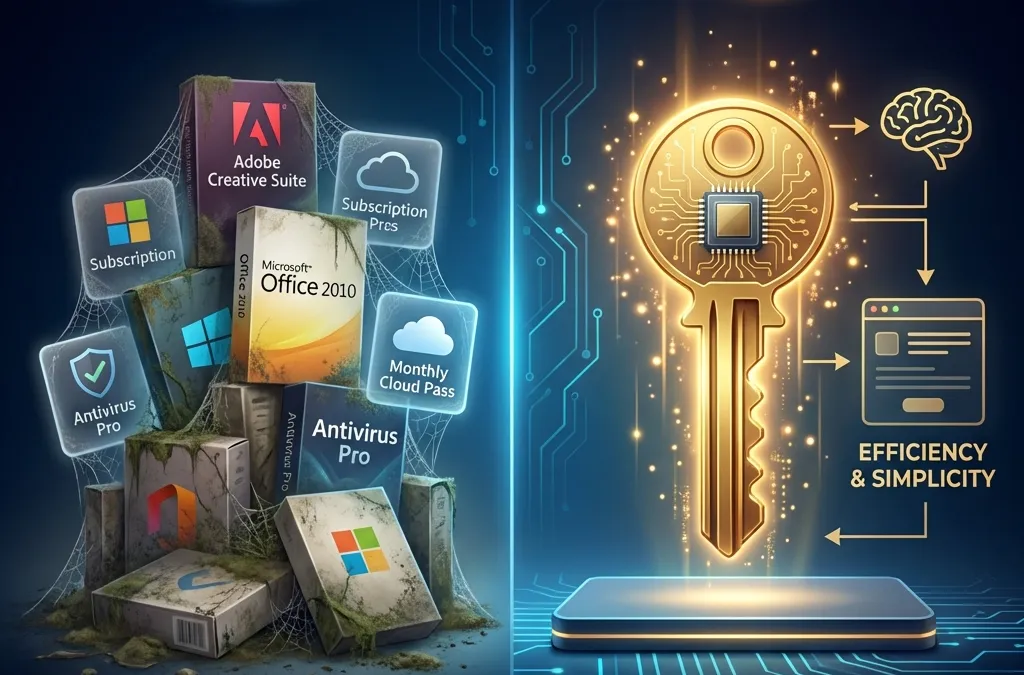
Buying a subscription is easy. Getting a dependable result from it takes a clear process, reliable information, and someone responsible when it stops working.
That does not mean every business needs a custom build. Your existing CRM, accounting system, or office suite may already include a useful feature. The first question is whether that feature solves the task with an acceptable amount of setup and supervision.
When an existing feature is enough
If one employee wants help drafting emails or summarizing a document, an approved business account and a short training session may be sufficient. Test the feature on representative work and check its data settings.
A managed implementation becomes more useful when the workflow crosses several systems, requires consistent business rules, or needs monitoring and exception handling. Paying for custom work should solve an operational problem you can describe.
Ask what is included in the build
A practical scope should name the trigger, inputs, output, connected systems, and responsible people. It should also explain what happens when something is missing or fails.
For example, an inquiry-to-CRM workflow needs more than a summary prompt. Our recommended scope would cover duplicate records, required fields, routing rules, failed saves, staff notifications, and an audit trail. Those details make the difference between a demonstration and something an office can rely on.
Use business information without confusing it with training
An assistant can consult approved documents and connected records without creating a newly trained model for your company. Updating that reference material is a separate job from changing model behavior.
Ask how information gets refreshed, who can change it, and how old versions are removed. For the software connections, verify supported access before agreeing to the implementation timeline.
Define acceptance before launch
Agree on examples that must work, cases that should go to a person, and failures that should stop the workflow. Include realistic edge cases rather than only the easiest demonstration.
Keep a manual fallback. Assign an owner for alerts. Specify who checks the workflow after a provider changes its model or integration. Anthropic’s agent guidance is a useful reference for choosing a simple workflow before adding more autonomy.
Compare the full cost and the exit plan
Ask for setup, subscription, usage, hosting, and ongoing support costs separately. Clarify who owns the accounts and documentation, what data can be exported, and what happens when support ends.
Selser Media offers scoped implementation projects and support plans. Website care is included in website plans; AI project support has its own stated period and ongoing options. A consultation should leave you clearer about those distinctions.
Request a free 30-minute consultation. We’ll look at the tools you already have before recommending another subscription or a custom build.